What Is Accounting Software? Types, Features, and Benefits Explained
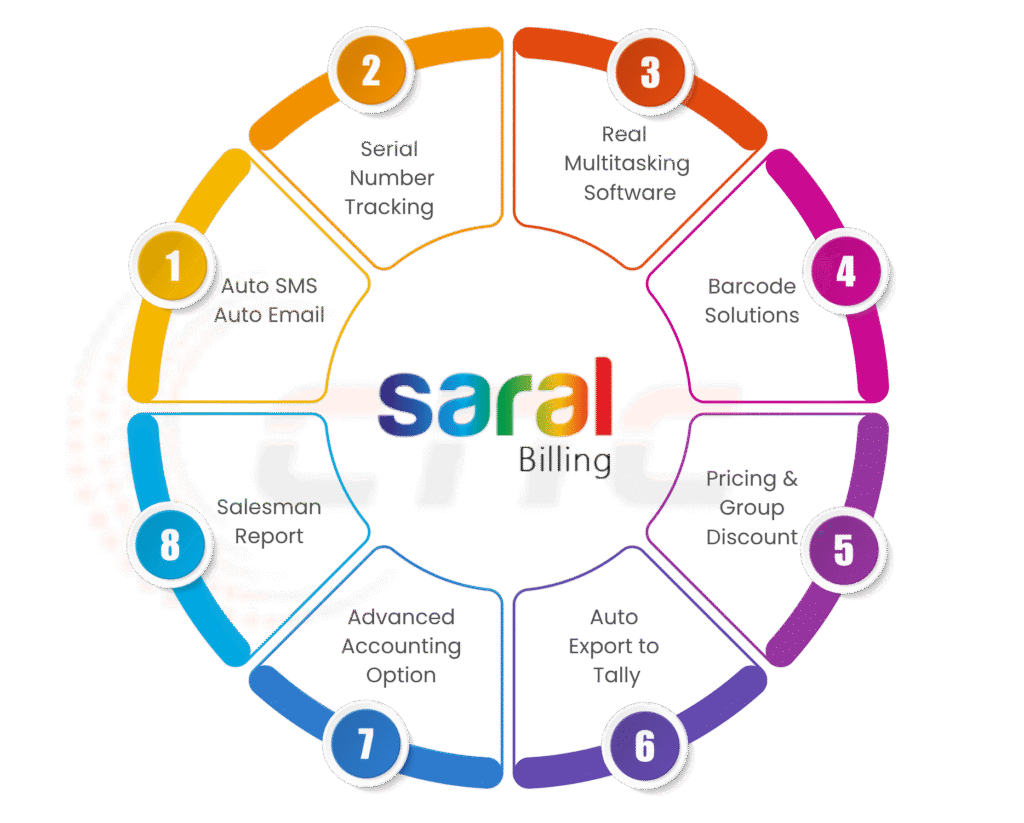
Managing the finances of a business can sometimes feel like juggling too many balls at once. From tracking sales to paying employees and filing taxes, the tasks are endless—and mistakes can be costly. That’s where accounting software comes in. But what exactly is it, and why has it become essential for businesses, including those in Nepal? Let’s dive in and simplify the concept for you. Accounting software is a game-changer for businesses of all sizes. Whether you run a small retail shop in Kathmandu, a manufacturing unit in Pokhara, or a startup in Lalitpur. You must have the right software to ensure accurate bookkeeping, timely invoicing, payroll management, and compliance with Nepali tax regulations. It acts as the backbone of your financial management system, making complex tasks simple and error-free. For Nepali businesses, Tally Nepal has been a trusted name for decades. With Tally ERP 9 and the latest TallyPrime, local businesses can manage accounts, generate GST/VAT-compliant reports, track inventory, and handle payroll efficiently. Tally Nepal doesn’t just give you accounting software. They also help you with training, support, and advice that fits Nepali businesses. That’s why many companies in Nepal trust Tally Nepal to handle their accounts. What Is Accounting Software? In simple terms, accounting software is a digital tool that helps businesses record, manage, and analyze financial transactions. It does a lot of the hard work for you, like adding numbers and keeping records, so you make fewer mistakes. It also gives you useful information to help run your business smarter. In short, it connects old-fashioned bookkeeping with modern, easy-to-use accounting tools. Accounting software is a program that helps a business handle all its financial matters, like billing customers, paying employees, managing taxes, and making reports, without piles of paper or confusing spreadsheets. Basically, accounting software makes managing money easier, more accurate, and keeps everything following the rules. Types of Accounting Software Not all accounting software works the same way. Depending on what your business needs, you’ll find different types that suit different purposes. 1. Desktop Accounting Software This type of software is installed directly on your computer and works offline. Programs like Tally ERP 9 or TallyPrime are very popular in Nepal because they make everyday accounting easier and help businesses follow tax rules. 2. Cloud Accounting Software Cloud-based software lets you check and manage your accounts from anywhere as long as you have the internet. While some popular examples are QuickBooks Online or Xero, the main idea is that it’s great for businesses with remote teams or multiple locations. It makes keeping track of money simple, no matter where you are. 3. Open Source / Free Accounting Software If you have a small business or are just starting out, you can use free tools like GnuCash or ERPNext to manage your finances. They are easy to use and take care of the basic accounting work you need. It is a simple and smart way to keep track of your finances without spending any money. 4. Industry-Specific Accounting Software Every business needs accounting software according to its niche and the types of data it requires for its company. For example, a shop needs tools to track sales and stock. A factory uses software to manage production and materials. An NGO needs features to handle projects and donations easily. Key Features of Accounting Software Modern accounting software has many tools that make handling your company’s money much easier. It helps you save time, reduce errors, and stay organized. You can easily keep track of income and expenses, and even generate reports for your business. This makes managing finances simpler and less stressful. Here are some of the main features of accounting software: All these features are available in the Tally Nepal software, designed for Nepali businesses to make accounting simple and accurate. Benefits of Accounting Software Using accounting software can transform the way you manage the finances of your company: How to Choose the Right Accounting Software in Nepal? Don’t just pick accounting software because it’s popular. Find one that actually works for your business, follows Nepali rules, and gives you support when you need it. Here are some things to keep in mind before you decide: Doing a bit of research at the start can save you many problems later. Choosing Tally Nepal gives you a strong accounting system that grows with your business. It helps you follow all the rules and makes managing your finances much easier at every step. Final Thoughts So, what’s accounting software? Well, it’s not just some notebook on a computer. It helps you keep track of your money, follow the rules, and figure out ways to grow your business. Using the right software for your Nepali business, like Tally Nepal, saves time, reduces mistakes, and makes managing finances easier. Ready to take control of your business finances? Get started with Tally Nepal today and experience seamless accounting, GST/VAT compliance, and expert local support tailored for Nepali businesses. Contact Tally Nepal now to schedule a demo or consultation and see how the right accounting software can transform your business. Frequently Asked Questions
What Is Accounting Software? Types, Features, and Benefits Explained Read More »